Every website I run eventually becomes the same problem.
My guesthouse site needs pages, news and room listings. The next site needs pages, news and job posts. The one after that will need something else again. Each time, I would build a fresh set of models, a fresh admin, a fresh set of templates — the same work, wearing different clothes.
So this time I built the thing underneath instead: PackCMS, a small CMS where a content type is not code. It is a package you upload.
A content type is a zip file
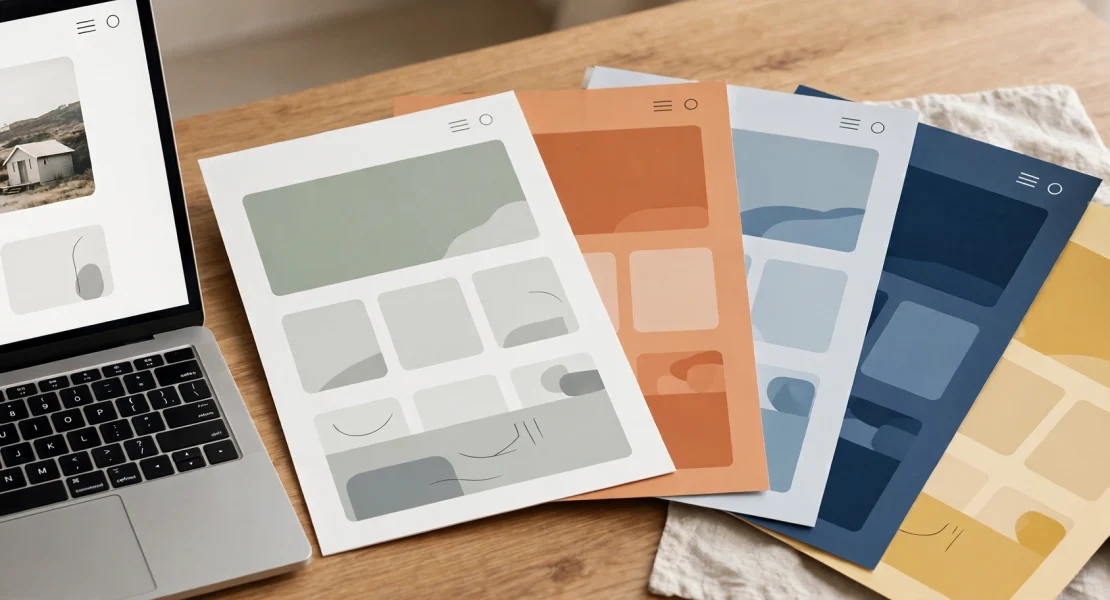
A PackCMS template package is just a zip: a template.json that declares the fields, the HTML templates for list and detail pages, and whatever CSS and images they need.
Upload the package to a content type in the admin, and the engine does the rest. It generates the editing form from your schema, stores each item’s content as JSON, and renders the frontend through your templates. No new models. No migrations. No code changes.
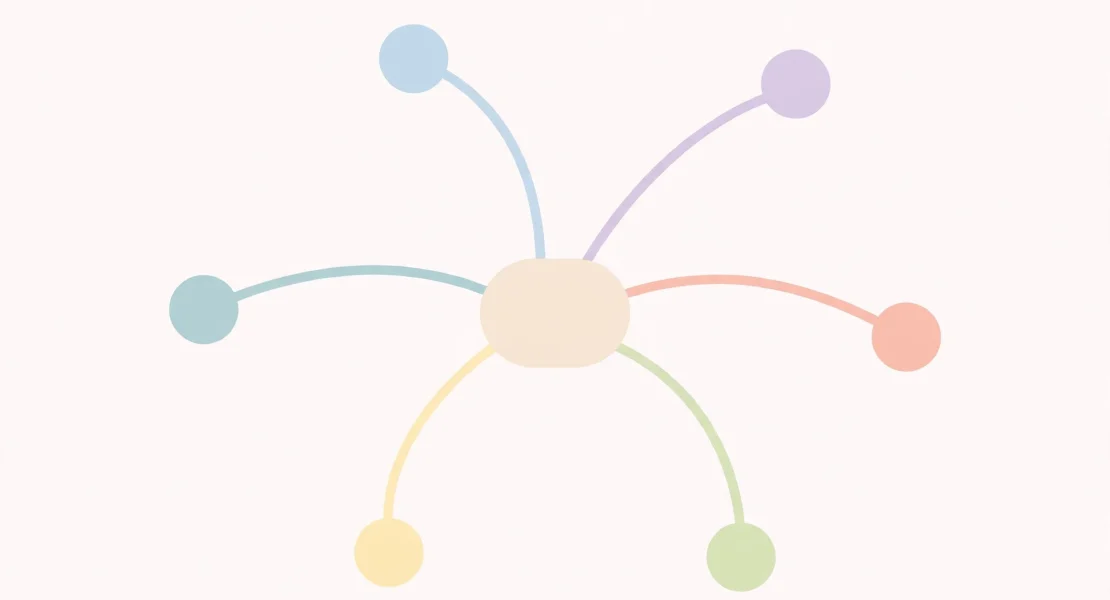
The schema is built from sixteen element types — text, rich text, images, galleries, files, dates, links, key–value lists, and one I lean on heavily: ref, an element that pulls in other content. A home page, for example, is mostly references — the latest products, the latest news — plus a hero gallery and a title. One ref mode even follows the navigation: pick a menu item in a dropdown, and the block renders that section’s newest entries, each block choosing its own.
Galleries get a display switch — all images, the first one, a random one, or the first few — because a detail page hero and a card thumbnail want very different things from the same album.
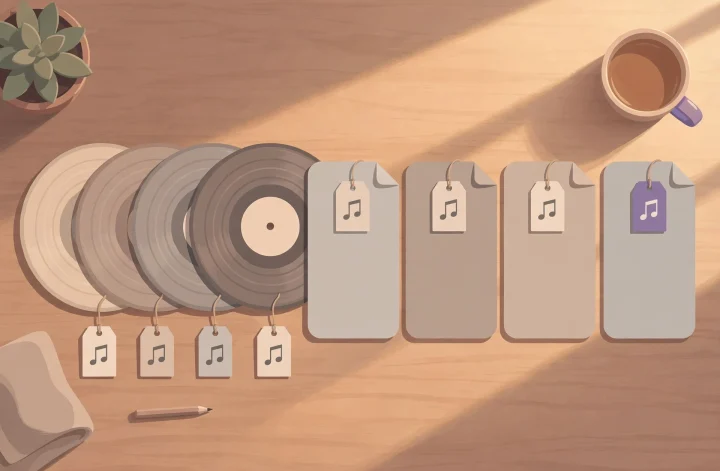
Swap the package, swap the site
The test I set myself was unfair on purpose: reproduce my own guesthouse site, sizuya.net, exactly — same pages, same layout, same content — using nothing but template packages.
It passed. Home, single pages, news, products and jobs are five packages; the engine underneath never changed. Hand the same engine a different set of packages and it becomes a different website — different fields, different templates, different languages.
Multilingual support is built in rather than bolted on. Site settings, navigation names and even the static copy declared inside a package (“Read more”, section headings, button labels) are edited per language in the admin, with a fallback chain of current language, then default language, then the package’s own default. The admin’s content menu follows the navigation tree itself, so editors see the site the way visitors do.
One rule that kept it small
The design decision that mattered most was a refusal: if rich text can lay it out, it does not become an element.
Elements exist only for data a template genuinely needs to handle separately — a price, a date, a gallery, a reference. Everything else is writing, and writing belongs in the editor. That one rule kept the element list at sixteen and the engine boring, in the good way.
Under the hood
PackCMS is Django 6 and Python 3.12 on PostgreSQL, running in Docker. Content lives in a single JSON field per item; the admin forms are generated from the package schema; the test suite currently stands at 123 tests, all passing. The admin is Django’s own — I tried dressing it up with a popular admin theme and took it off again. Plain and fast beats pretty and slow, every time.
It is not a WordPress killer, and it is not trying to be. It is the CMS I kept wishing existed while building small multilingual sites: one engine I trust, and a folder of packages per site.
One engine, any site. That was the whole idea — and it works.
— Ben
Update, Nov 24, 2026: PackCMS is now open source under the MIT license. The code is on GitHub: https://github.com/i-love-osaka/PackCMS — the repo includes seven demo template packs (SORA), so you can see a full site built with it.