
I Just Open-Sourced SmartReName

Twenty years ago, there was a small Chinese freeware tool called 拖把更名器 (SmartRename). If you needed to rename a few hundred files, it was the tool everyone reached for: a pipeline of operations, a preview before anything happened, and the comforting feeling that nothing could go wrong. Then it stopped being updated. These days it still runs — right after showing you an error dialog you have to click away.
I missed it. So I rebuilt it from scratch, clean-room, in Rust. Today I’m open-sourcing it: SmartReName.
GitHub: https://github.com/i-love-osaka/SmartRename
What I kept, and what I dropped
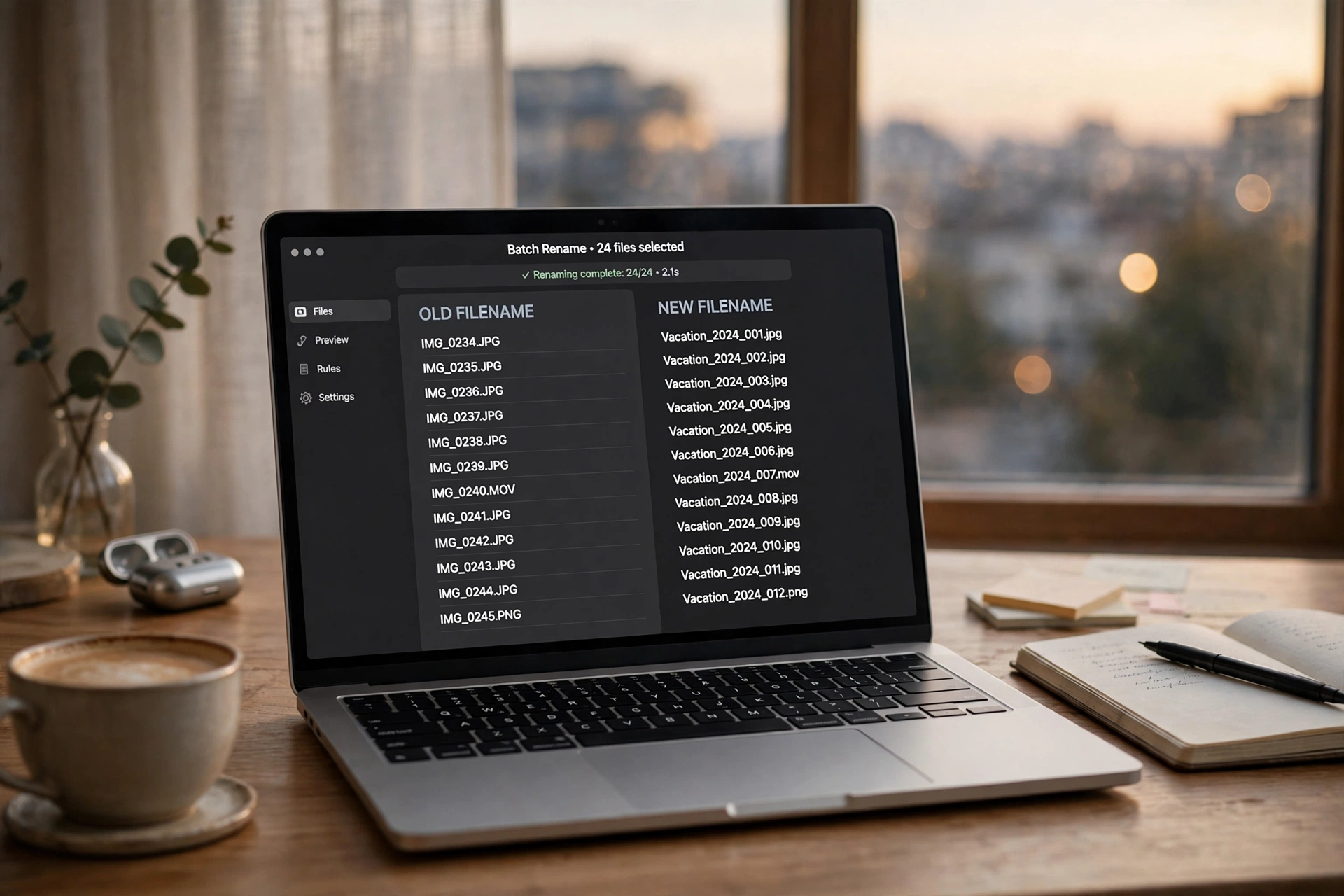
I kept the soul of the original: stack up operations — replace, numbering, add, delete — watch a live preview of every new name as you type, check for conflicts, then apply. And if anything goes wrong, undo puts every file back. Operation records can be saved as JSON and replayed later.
What I dropped is everything time made pointless: ID3 and RMVB tag editing, Explorer context menus, meta-variables, and the old proprietary record format. SmartReName does one thing: batch renaming.
The one feature I insisted on most: it starts with zero dialogs and zero errors. The original’s startup error was a small thing, but it was a daily paper cut. Not in this version.
What’s inside
- Replace with plain text or regular expressions — and because regex scares everyone (including me, some days), there is a built-in library of 15 practical examples under Help → Regex Examples, each explained, each with copy buttons; the four most common ones sit right in the Replace tab
- Numbering, add, delete by range or by substring
- One-click cleanup of the junk that downloads bring along: (1), – 副本, [site.com], full-width characters
- Naming styles — camelCase, PascalCase, snake_case, kebab-case — and Traditional ⇄ Simplified Chinese conversion
- Rename by date (EXIF, modified, or created), rename from the parent folder, and nine preset script commands like Chinese → pinyin
- Conflict detection with optional auto-numbering, per-file failure reasons that stay on screen, timestamps preserved if you want them
Under the hood it is two Rust crates: a platform-independent renaming engine with unit tests, and a native-feeling macOS UI (system menu bar, follows light/dark mode) built with egui — the same stack as PureMap. Execution is two-phase through temporary names, so a run never leaves your files half-renamed.
Status
macOS first (Apple Silicon); the engine is cross-platform and Windows is planned. The interface is currently in Chinese, like the original — English localization is very welcome. It is ad-hoc signed, so on first launch use right-click → Open.
Good tools deserve to outlive their maintainers. The original renamer served a generation of Windows users; if this version serves a few people on modern machines, it was worth the rewrite.
— Ben