
I Just Open-Sourced Sizuya Booking

Running small guesthouses in Osaka means bookings should be simple: a guest finds a room, books it, pays, and walks in without a pile of messages in between.
So I built a booking website for my own houses. Today I open-sourced it: Sizuya Booking.

What it does
- Property listings for guests to browse
- Booking and guest information management
- Stripe payments
- TTLock smart lock integration
- A multilingual interface: English, Simplified Chinese, Traditional Chinese, Japanese, Korean, Spanish, French, and German
It is built with Django and PostgreSQL, the stack I use for my guesthouse tools.
Run it locally
With Docker and Docker Compose:
cp .env.example .env
docker compose up --build
docker compose exec web python manage.py migrate
Then visit http://localhost:8000
You can also run it with native Python 3.12 and PostgreSQL. The repository includes Nginx deployment references for production, but the Compose setup itself is for local development: for production, use a proper WSGI/ASGI server, HTTPS, and secure secret management. Never commit a real .env file or production credentials.
Get the code
Sizuya Booking is released under the MIT License:
https://github.com/i-love-osaka/homestay_booking
If you run a small guesthouse or vacation rental and you want a booking site you can own and adapt, I hope this saves you some work. Stars, issues, and pull requests are welcome.
This is another one of my guesthouse tools, out the door. One system at a time.
— Ben
I Just Open-Sourced Sizuya Passport
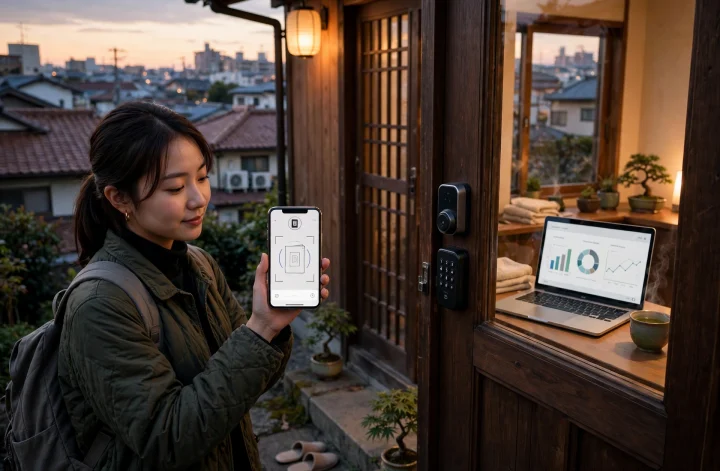
Running guesthouses in Osaka means paperwork. Japanese law requires us to record every guest’s information, and for foreign guests we also have to keep a copy of their passport. For a long time that meant chasing guests in chat apps: “Please send me a photo of your passport.” Some sent it, some forgot, some sent a blurry photo of the wrong page the night before check-in.
So I built a system for it. Today I open-sourced it: Sizuya Passport.
The idea is simple. Each booking gets a registration page. The guest opens it, fills in their information, and uploads a photo of their ID — a passport, or a Japanese My Number card for guests living in Japan.
The system checks the uploaded document, so I don’t have to eyeball every photo myself. Once the registration is complete, the guest automatically receives the door lock password for the property — the system works with TTLock smart locks and issues a dynamic password for the stay.
On my side, everything lives in one admin backend: guest information, orders, properties, and locks. When I need records — for bookkeeping, or in case the authorities ever ask — I can batch-download the guest information together with the ID images, as Excel and ZIP files.
The check-in page is multilingual. Our guests come from everywhere, so the page speaks Japanese, English, Simplified and Traditional Chinese, Korean, German, French, Spanish, and Arabic.
Under the hood it is the stack I always use: Python and Django 5, PostgreSQL, and Docker. One “docker compose up” and it runs. The code is on GitHub under the MIT license:
https://github.com/i-love-osaka/homestay_passport
One honest warning: a system like this handles passport images and personal data. If you run it, run it properly — HTTPS, access control, backups, and never, ever put real guest data in a public repository.
I built Sizuya Passport for my own houses here in Osaka. If you run a small guesthouse or vacation rental in Japan and you are still collecting passport photos over chat, maybe it saves you the same headaches it saved me.
More of my guesthouse tools will follow it out the door. One system at a time.
Introducing Sizuya Net Clean
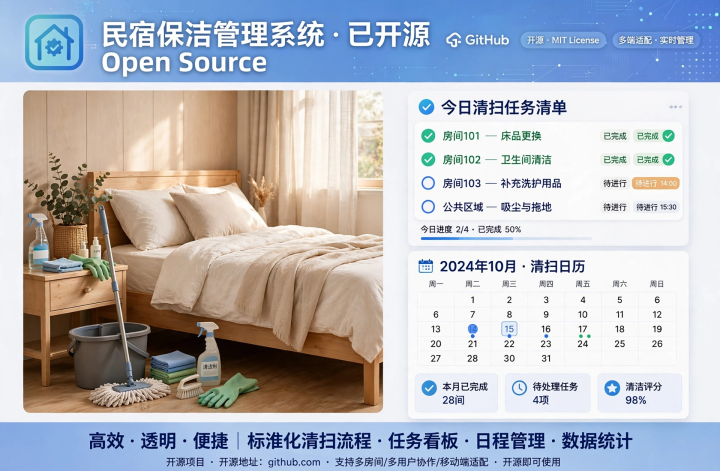
I’m happy to share that Sizuya Net Clean is now open source.
Built with Django, this project helps streamline cleaning photo reports for vacation rentals. Cleaners can follow a property-specific checklist, upload photos one item at a time, and leave a final remark. Administrators can manage photo items and review completed reports through Django Admin.
The app also generates photo thumbnails and includes a command to clean up incomplete uploads. It’s released under the MIT License.
If you’re working on a similar workflow—or just want to explore the code—you can find the project on GitHub.
I hope it’s useful, and I’d love to hear what you build with it.
I Built a Simple Yet Powerful Corporate Website with Django

I Built a Production-Ready Corporate Website Template with Django
Every small business needs the same thing: a clean website with company info, news, products, careers, and a contact form.
But most starters are either too simple (just a landing page) or too complex (full CMS like Wagtail / WordPress).
So I built something in the middle — practical, easy to maintain, and ready to grow.
👉 GitHub: sizuya-corporate-website
The Problem
- One-page templates can’t handle news, products, or recruitment
- WordPress is heavy if you just want to manage content simply
- Most Django starters are blogs or e-commerce, not corporate
I wanted a single project that covers 90% of what a real company website needs, without over-engineering.
What It Includes
- Flexible Page Management: Company, About, Privacy Policy via Admin
- News / Articles: Categorized listing with detail pages
- Products: Product catalog with images and descriptions
- Recruitment: Job openings and application flow
- Contact & Message Board: Form + admin inbox
- Multilingual Ready: i18n content in Django Admin
- Admin-First Workflow: No template editing needed
Tech Stack
- Backend: Django + PostgreSQL
- Dev: Docker Compose for local development
- Content: Django Admin
Get Started in 2 Minutes
- Configure env:
cp .env.example .env
- Edit .env and set DATABASE_URL and DJANGO_SECRET_KEY
- Run:
docker compose up -d –build
docker compose exec web python manage.py migrate
docker compose exec web python manage.py createsuperuser
Visit http://localhost:8000 and http://localhost:8000/admin
Note: Compose setup is for local dev. For production, use Gunicorn + Nginx, HTTPS, and S3 for static/media.
Who Is This For?
- Freelancers who need to ship a company site in a day
- Small businesses who want to own their code
- Django beginners who want a real-world structure
If you try it, stars and feedback are welcome!
— Ben