I spend my days on a Mac, but there is one Windows 11 feature I never stopped missing: drag a window to the top of the screen, a bar of layouts appears, drop the window on one and it snaps into place. macOS has basic tiling now, but not that bar. So I built it.
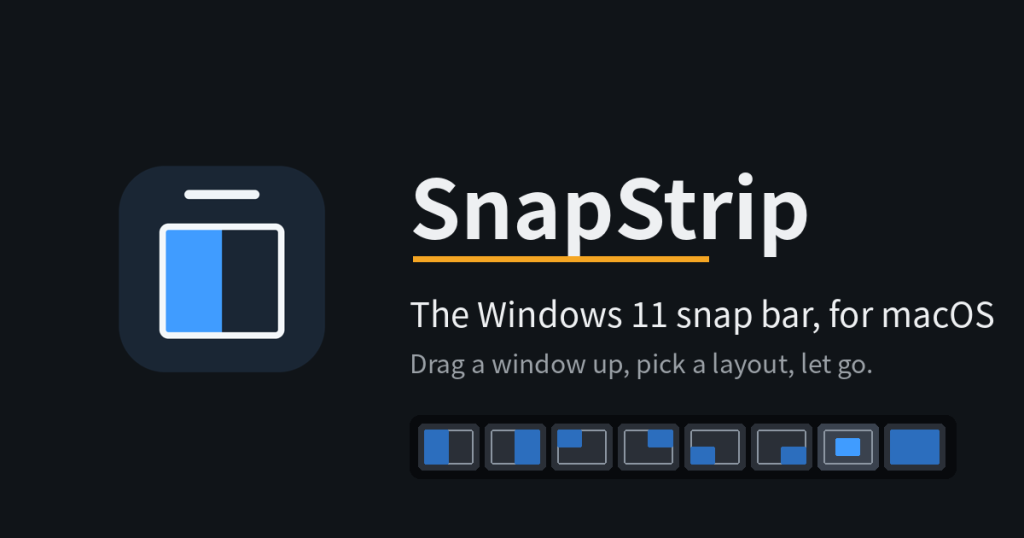
SnapStrip is a tiny menu-bar utility written in a single Swift file. Drag any window and a slim hint bar appears under the menu bar. Keep dragging into the top third of the screen and it expands into eight layouts — left half, right half, four corners, a centered window at a quarter of the screen, and maximize — placed safely below the notch. Drop the window on a layout, and it moves and resizes to fit.
A few details I cared about:
Menu bar only. No Dock icon, no settings window. Launch at login is built in, via a LaunchAgent you can delete at any time.
It wins the fight after the drop. Some apps finish their own drag by putting the window back where you let go, so a single write loses. SnapStrip re-asserts the target frame for about a second after the drop, until the window stays.
Self-drawn windows included. Apps like WeChat and LocalSend (Flutter) often don’t tell the accessibility system which window a clicked element belongs to. SnapStrip falls back to walking up the accessibility tree, then to the app’s focused window — and both apps snap on the first try now.
It needs the Accessibility permission (System Settings → Privacy & Security → Accessibility). One gotcha for anyone building it from source: the grant follows your code signature, so the repo ships a small script that creates a fixed self-signed identity — build with it once, and the permission survives every rebuild.
SnapStrip is free and open source under the MIT license.
GitHub: https://github.com/i-love-osaka/SnapStrip
Download v0.1.0: https://github.com/i-love-osaka/SnapStrip/releases/tag/v0.1.0