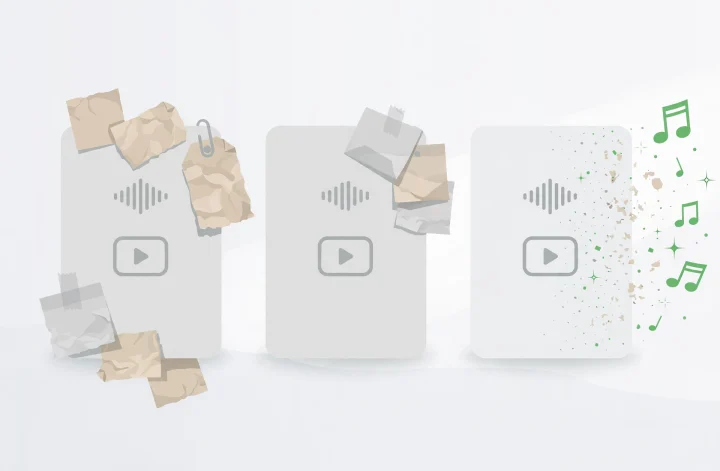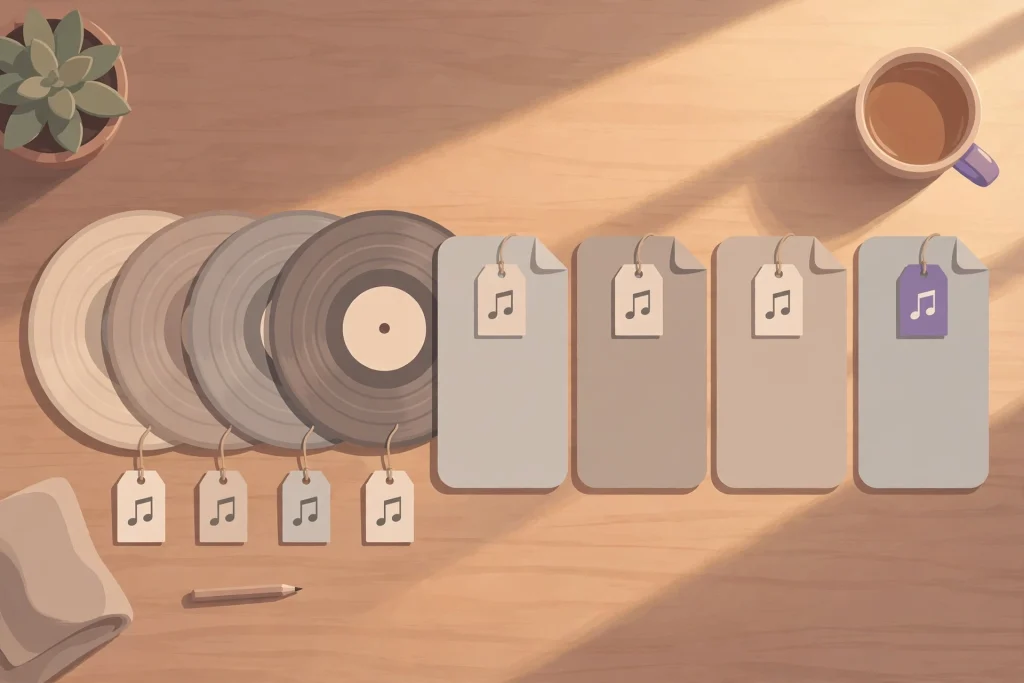
For years, my favorite tool for fixing music tags on Windows was a little freeware called MusicTag. Drop in a folder of MP3s and it would search online, find the right titles, artists, cover art and lyrics, and write everything into the files. Then it stopped being updated — and it only ever ran on Windows.
So I rebuilt it in Rust, from scratch, for macOS and Windows.

MusicTag searches six sources — NetEase Cloud Music, QQ Music, Kugou, Kuwo, iTunes and MusicBrainz — in the order you set. One click matches your whole list. The results land in memory first: nothing touches your files until you press Save Changes. If a match looks wrong, each row has a “More” button with the other candidates, so you can pick the right one by hand.
Every save keeps a snapshot of the previous tags, and History lets you roll any file back. It reads and writes MP3, FLAC, M4A, OGG (Vorbis and Opus), APE, WavPack, WMA, DSF and DFF, and the interface follows your system language — Simplified Chinese or English.
Same rule as my other tools: one job, done cleanly. No accounts, no ads, no bloat.
Source code (MIT): https://github.com/i-love-osaka/MusicTag
Download for macOS: https://github.com/i-love-osaka/MusicTag/releases/tag/v0.1.0